
How do I connect Signal?
1. Overview
Panda Cloud Control can sign in as a "linked device" of your Signal personal account, the same way you link Signal Desktop. Once linked, this account's private messages arrive in the Agent Workspace, and agents can reply directly.
Signal supports only QR-code linking, so you'll need a phone already signed in to this Signal account.
2. Steps
1. Linking by QR code in the admin console
① Log in to the admin console, click Account Management in the left-hand menu, choose Signal in the sub-navigation, and click Add Account.
② To assign it straight to an agent, choose the Assign agent and group at the top of the dialog.
③ Click Generate QR code.
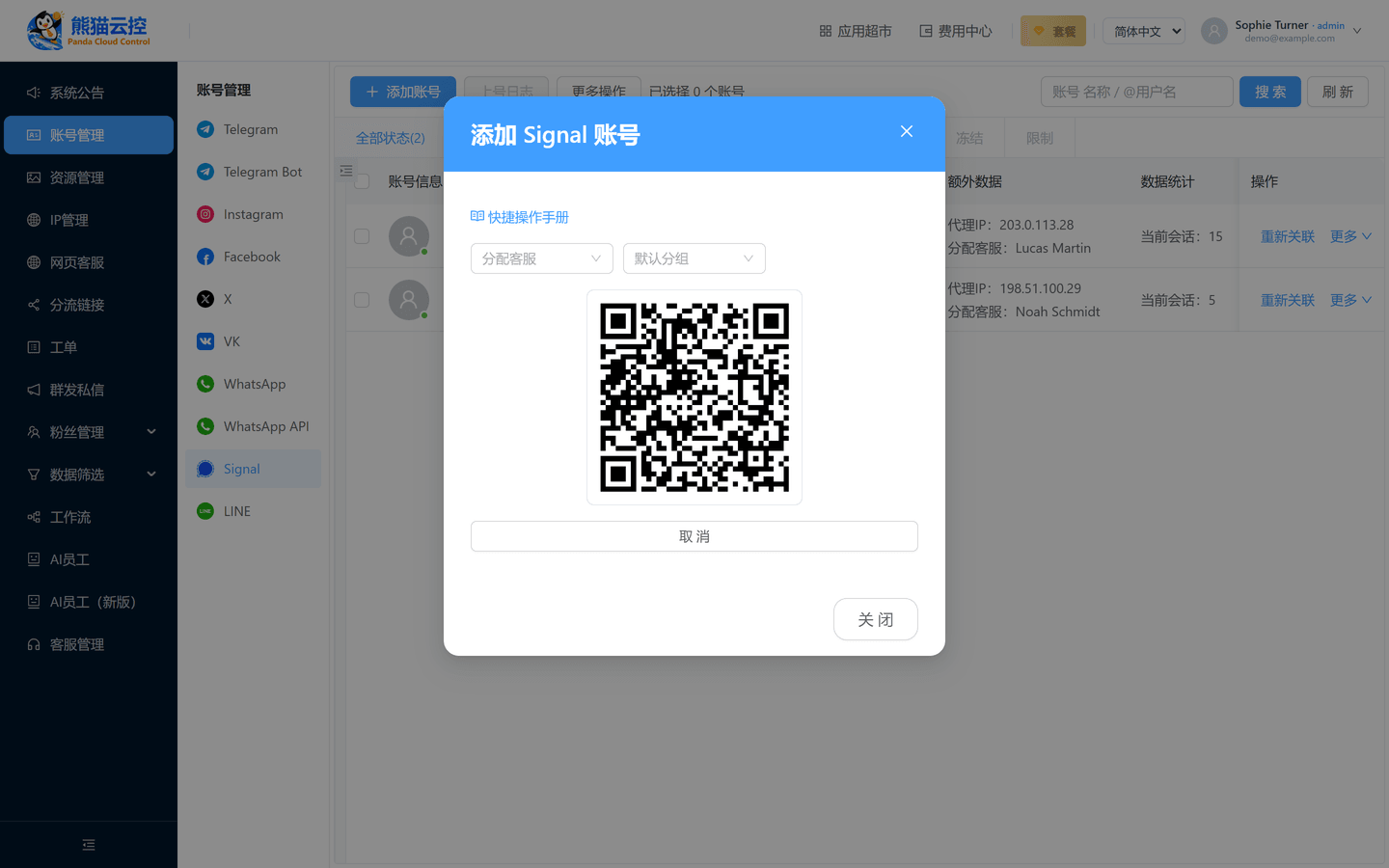
④ Open Signal on your phone, go to Settings > Linked devices, tap Link new device, and scan the QR code on the page.
⑤ When the page shows "Logged in successfully; the account will appear in the list shortly," the link is complete.
2. Linking from the Agent Workspace
① Log in to the Agent Workspace, click Add Account at the bottom of the account panel on the left, and choose Signal from the list on the right.
② On the Link Signal Account page, click Generate QR code and scan it with Signal on your phone; the steps are the same as in the admin console.
③ Once linked, the account appears in the account panel. An account an agent links themselves is automatically assigned to them.
3. How to re-link an account that has gone offline
If you removed this linked device on the phone, the account needs to be re-linked: find it in the Account Management > Signal list, click Re-link, and scan the QR code again. Re-linking keeps the same account and doesn't use an extra device slot.
FAQ
1. What do I do if the QR code expired?
If scanning times out or hits an error, the page shows the reason; click Retry to generate a new QR code.
2. Can I link with a phone-number pairing code?
Signal doesn't support pairing codes; you can only link by QR code.
Thanks for the feedback!
Still stuck? Reach us directly: Telegram @scrmqiye001 or email [email protected]
Last updated: